
AI-native code editor Early access
The IDE that takes AI seriously.
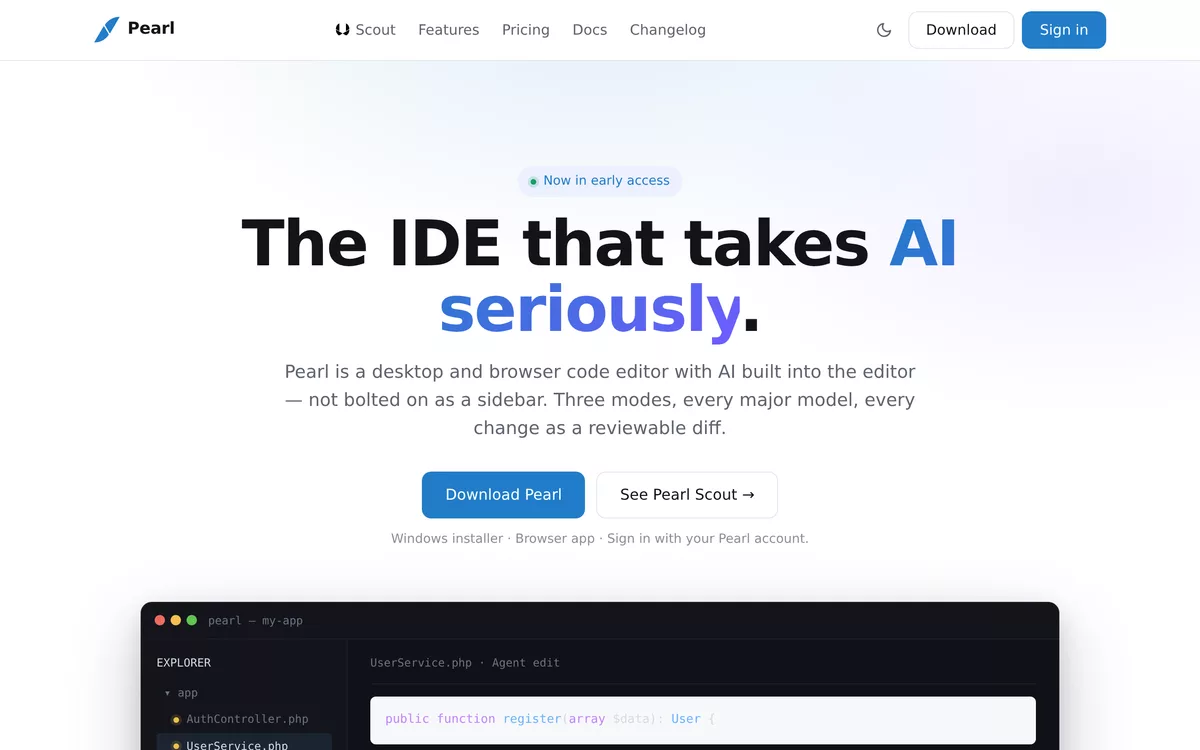
Pearl is a desktop and browser code editor with AI built into the editor — not bolted on as a sidebar. Three modes, every major model, every change as a reviewable diff.
Built around the work, not the chat window
Every AI capability in Pearl ends the same way: a diff you review, keep or undo — never a wall of pasted code.
Pearl Scout: three modes, one workflow
Ask, Plan and Agent are three distinct agents with different tools and different output formats — you pick the mode that matches the work.
- ✓ Ask — read-only Q&A grounded in your codebase; never writes, never runs commands
- ✓ Plan — a phased execution plan as an interactive checklist; run any phase with one click
- ✓ Agent — full autonomy: reads, edits, runs tests, delegates to sub-agents
Bring your own model — or four of them
Pearl Scout (native), Codex, Claude Code and GitHub Copilot live behind one model picker. Switch providers in one click without leaving the chat; your API keys stay in your OS keychain.
- ✓ Anthropic, OpenAI, Google and DeepSeek through Pearl Scout
- ✓ Codex with your OpenAI key · Claude Code with your Anthropic key
- ✓ GitHub Copilot via device flow
Every change is a reviewable diff
Agent edits land as inline diffs with change markers in the file tree — Keep or Undo, hunk by hunk. The model proposes; you stay the reviewer.
- ✓ Inline diffs at the exact edit site
- ✓ ChangeSet markers across the file tree
- ✓ Keep / Undo per change, not per session
Desktop and browser, one codebase
A signed Windows installer for the desk, a browser app for everywhere else — with settings, keybindings, extensions and project memory synced through your Pearl account.
- ✓ Full VS Code extension compatibility
- ✓ Settings and project-memory sync across machines
- ✓ Zero-retention privacy mode available
Who Pearl is for
Teams that want serious AI assistance without giving up model choice — or control of the diff.
Developers on Cursor or Copilot
Keep the AI workflow, gain model freedom: every major provider behind one sign-in instead of one vendor's roadmap.
Teams standardizing an AI editor
Per-seat licensing, shared workspace indexing, admin console and SSO — one tool to roll out, not five personal subscriptions.
Organizations with privacy rules
Zero-retention mode, BYO provider keys in the OS keychain, and private deployment options on Enterprise.
Three tiers, premium models on all of them
Pro, Business and Enterprise — sized per deal, with quotas matched to your actual usage. No free tier, no self-serve checkout, and no model lock-out: the flagship models are on every plan. Differentiation is quota and team features, not model access.
- ✓ All three Scout modes on every plan
- ✓ Flagship Claude, GPT-class and Gemini models on every plan
- ✓ Zero-retention privacy mode available everywhere
We talk first, scope right, then bill — no starter trial that ends in a surprise invoice.
Questions, answered
Which platforms does Pearl run on?
A signed Windows installer for desktop, plus the browser app at ide.pearlfibers.com that runs the same codebase anywhere — sign in once and your setup follows you.
Can I use my existing VS Code extensions?
Yes — Pearl is fully VS Code extension compatible, so your language servers, themes and tools carry over.
Do I need my own AI provider accounts?
No — Pearl ships managed access to the major models. If you prefer your own Anthropic, OpenAI or Google quota, plug in your keys; they are stored in your OS keychain, not on our servers.
What happens to our code and prompts?
Zero-retention privacy mode is available on every paid plan and default-on for Enterprise, alongside audit logs, DPA and private deployment options.
Take AI seriously.
Download Pearl and see an Agent edit land as a reviewable diff in your own repository.